Back-to-Back Game Nights: Keep the Tap List Right
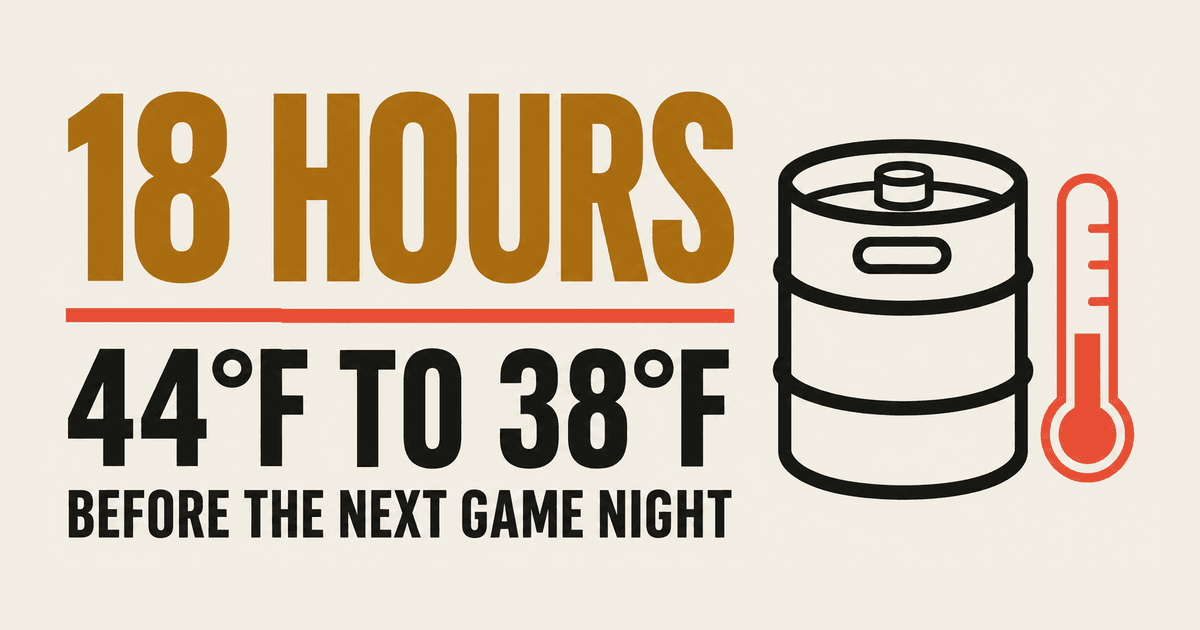
On back-to-back game nights, count every keg at close, reset the board before the next open, and allow chill time: a 44°F keg needs 18 hours to reach 38°F.
Operator math, public pricing, and what's on the screen behind the bar.
On back-to-back game nights, count every keg at close, reset the board before the next open, and allow chill time: a 44°F keg needs 18 hours to reach 38°F.
On back-to-back game nights, count every keg at close, reset the board before the next open, and allow chill time: a 44°F keg needs 18 hours to reach 38°F.
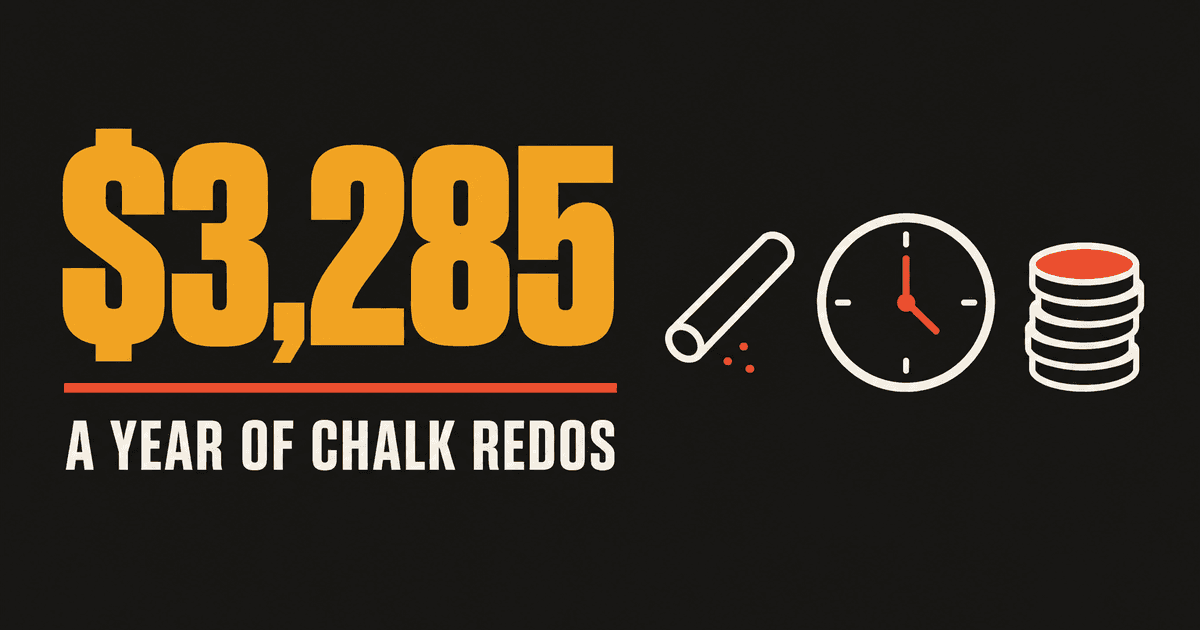
A daily 30 to 40 minute chalkboard redo at $18 an hour costs $3,285 to $4,380 a year in wages. Time one week and run the worksheet to find your own number.
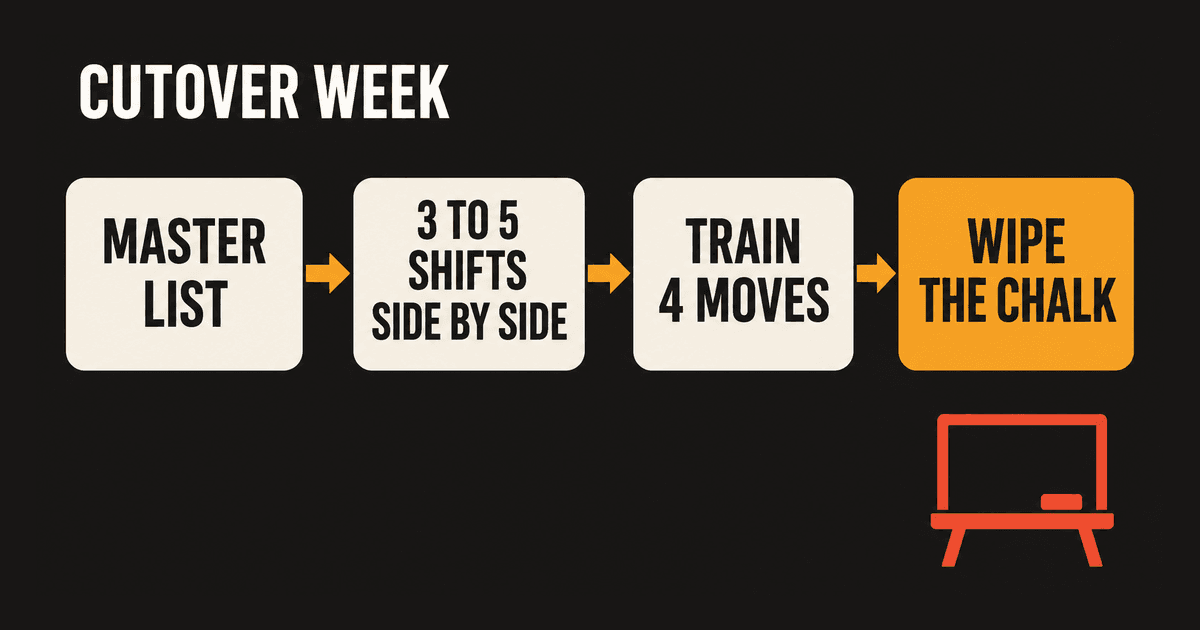
Switch from chalk to a digital tap list in one week: write a master list off the handles, run both boards 3 to 5 shifts, train 4 moves, then wipe the chalk.
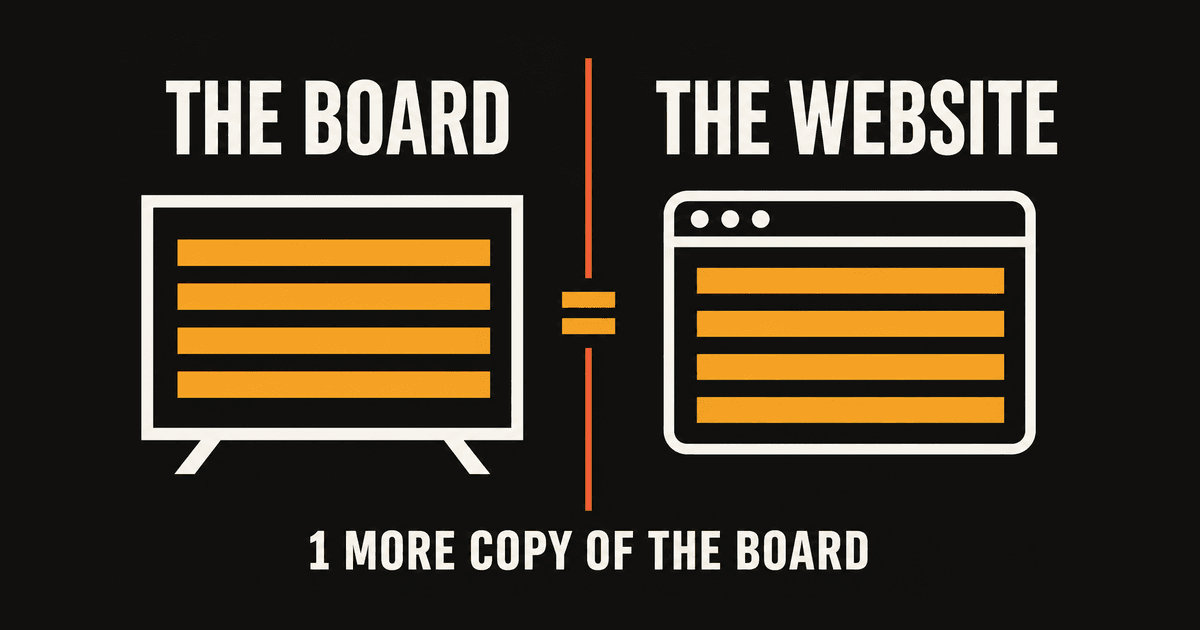
Keep a website tap list current: add a website step to every keg kick, check it before doors open, show a hand-typed checked time, and fall back to core beers.
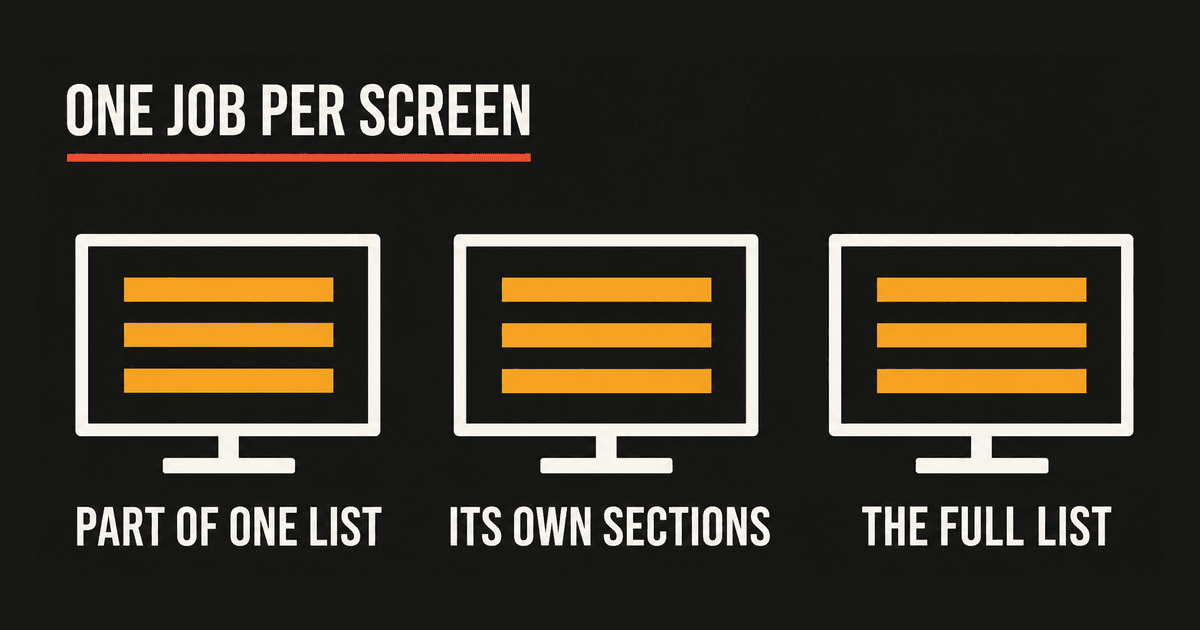
Open TapDisplay's page in each TV's browser and pair it with a 6 character code. Then give each screen a job: part of one list, its own sections, or all of it.
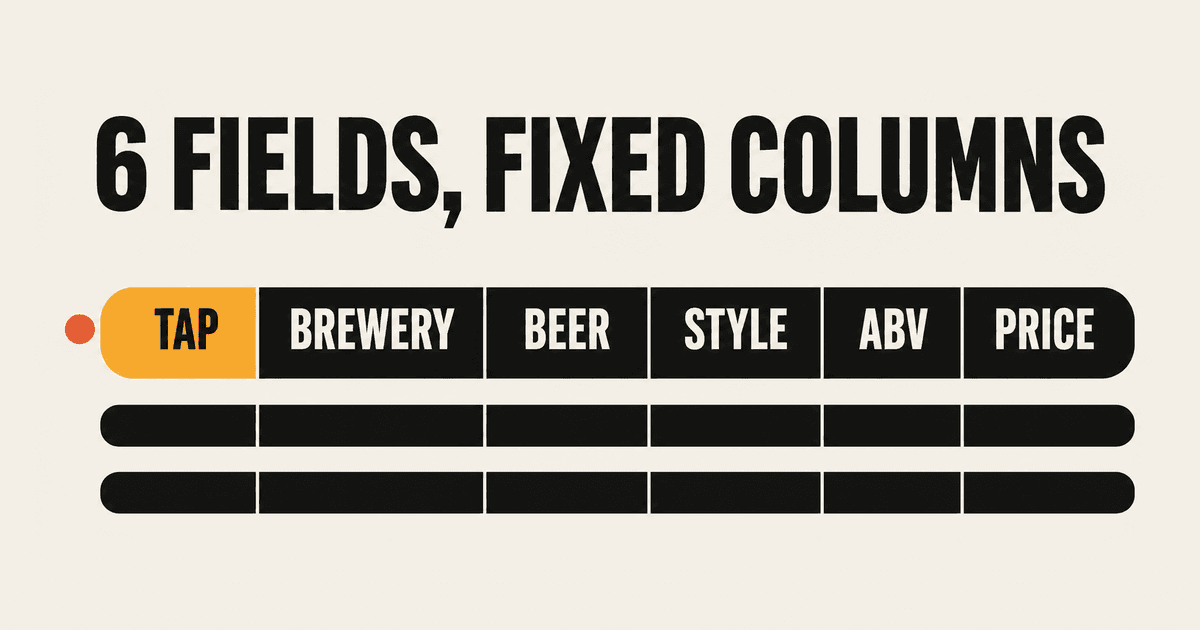
Give every tap line the same 6 fields in fixed columns, group the taps into 3 to 6 style sections, and order each one from lighter to stronger beers.
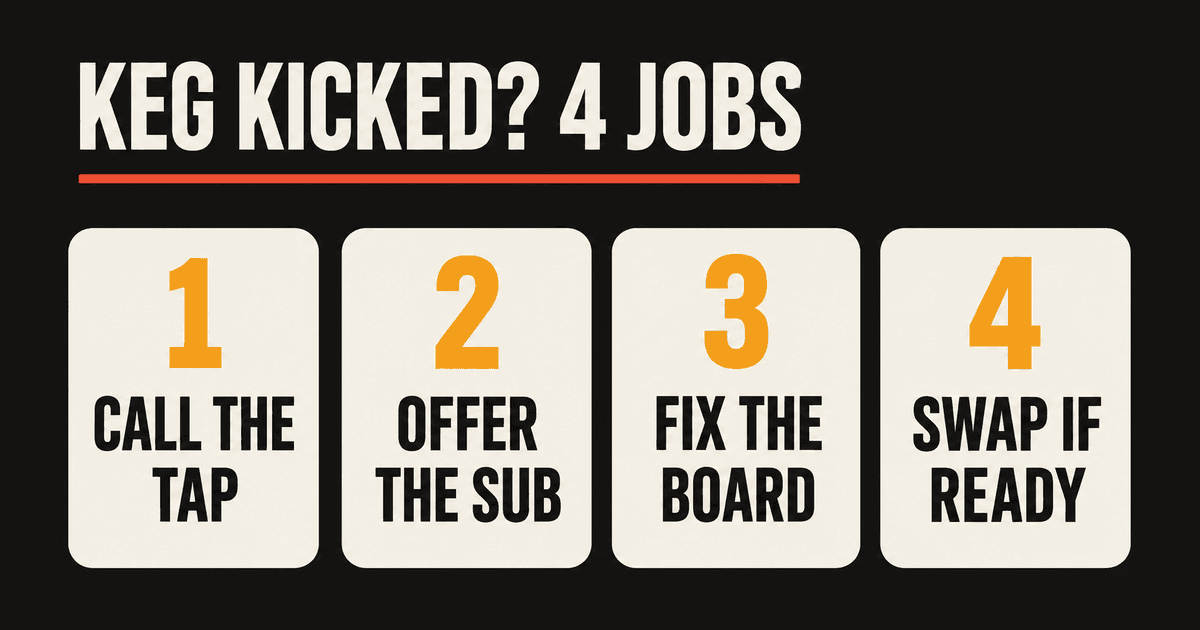
When a keg kicks mid-shift, run 4 jobs: call the tap number, offer a sub picked before service, fix the board, and swap only with a cold keg and a free hand.
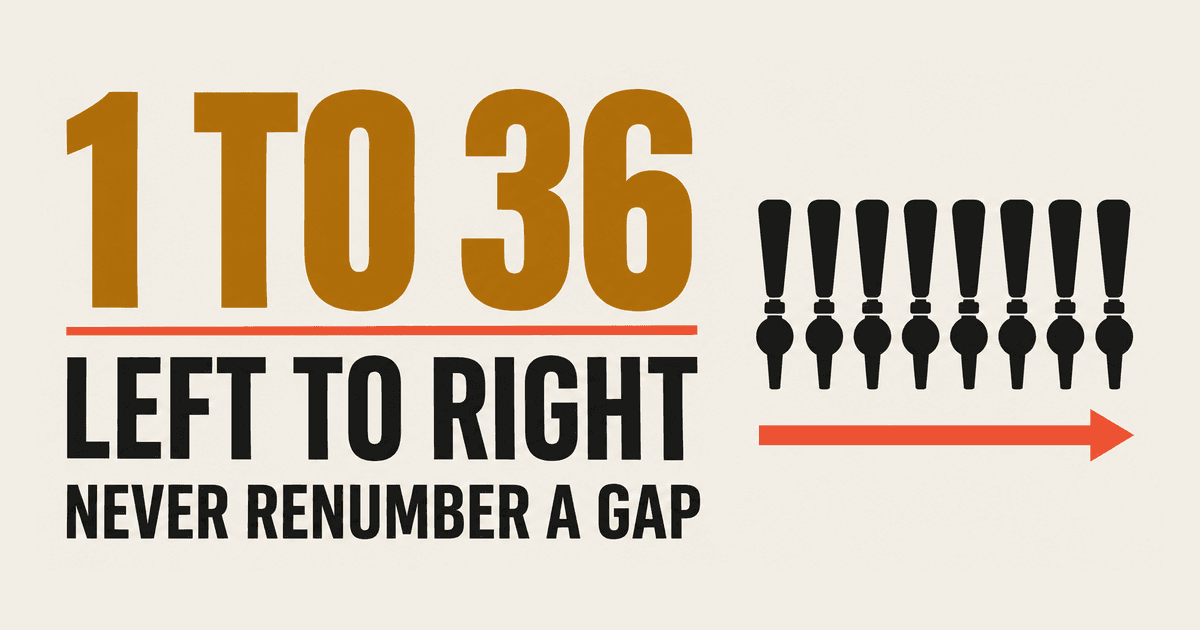
Tie each tap number to its line: tag the tower and the coupler, count left to right, leave gaps for dead lines, and cap board sections at about 8 lines.
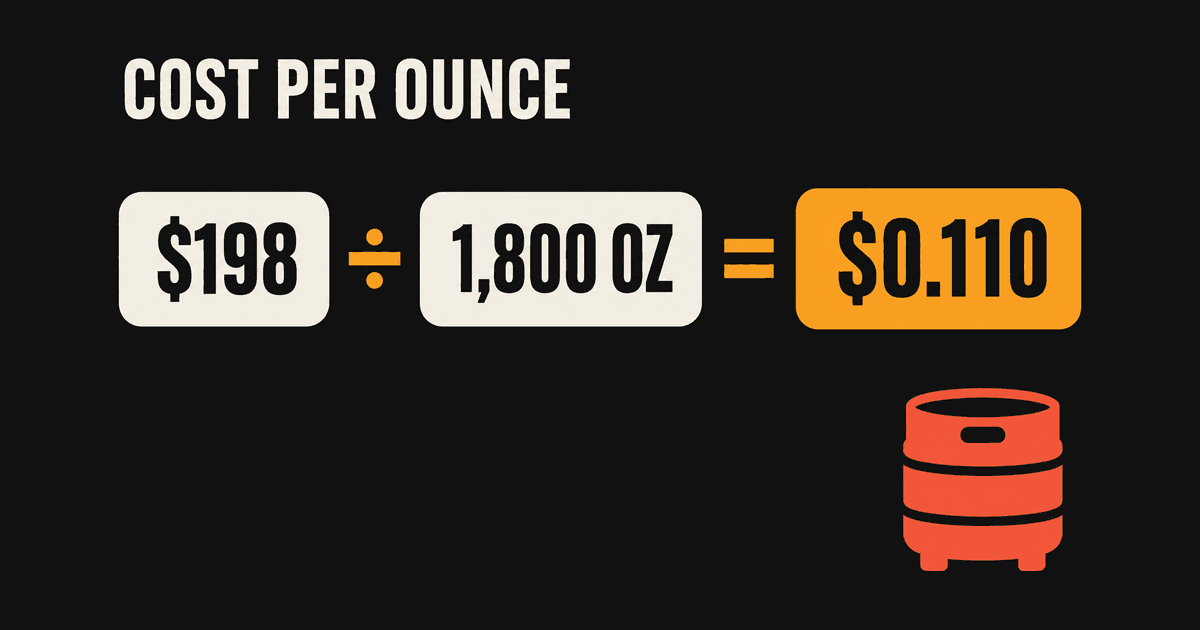
Cost per ounce is keg cost over usable ounces. Multiply it by the beer in each glass, apply your multiplier, round by 1 rule, and reprice when kegs cost more.
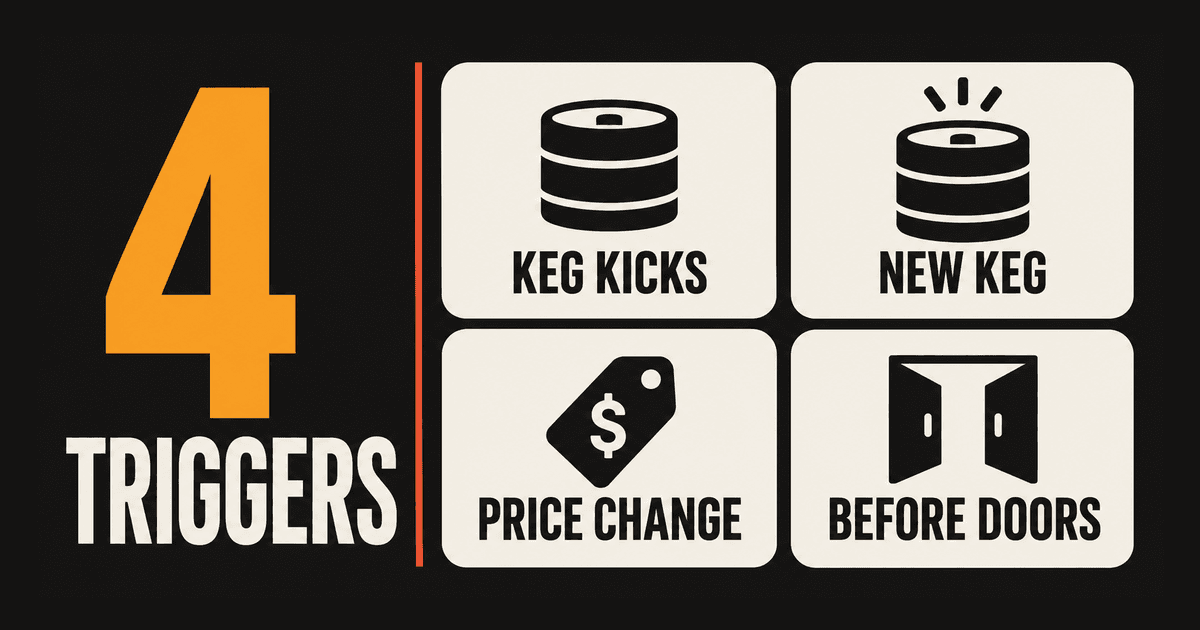
Update your tap list at 4 triggers: every keg kick, every new keg, every price or pour change, and a check before doors open, plus a closing check each shift.
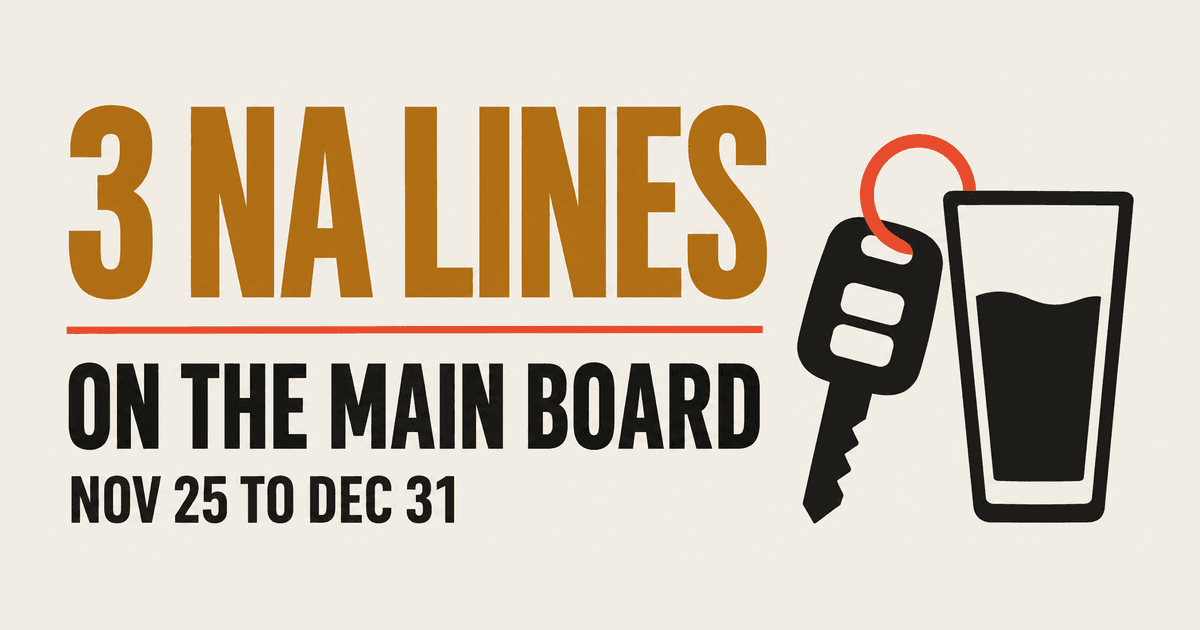
Mark the group nights from November 25 to December 31, keep at least 3 NA lines on the main board, offer them with each round, and stock to a par.
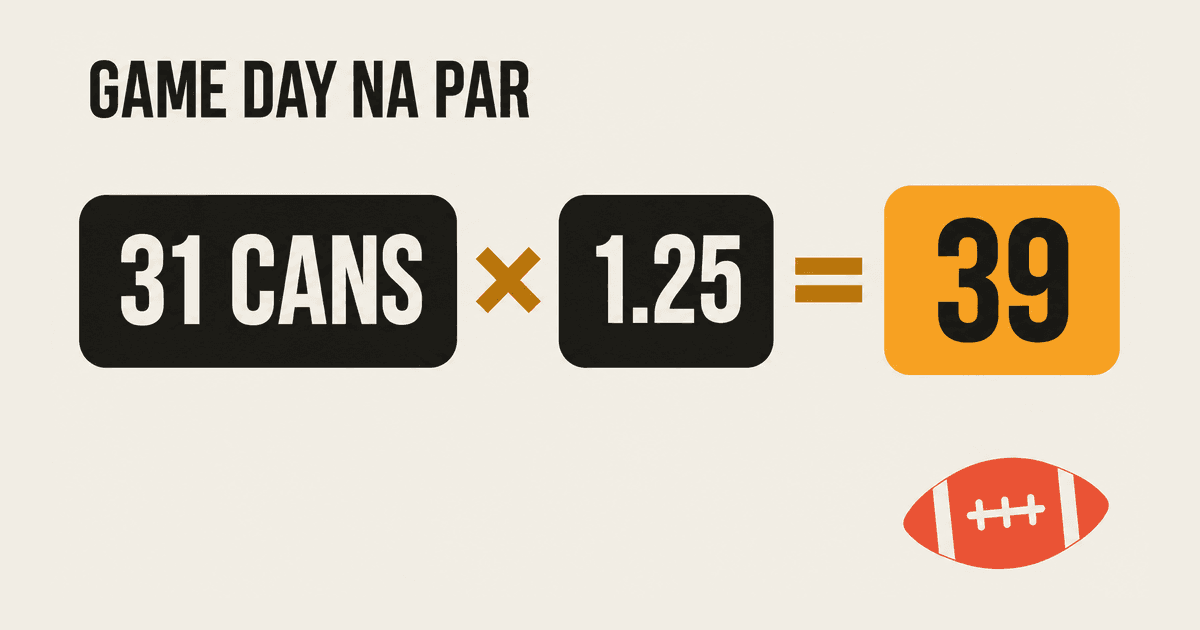
Carry 3 or 4 fast NA drinks, set each par from your busiest game day plus a cushion, keep the stock cold by the well, and put NA on the board's first page.
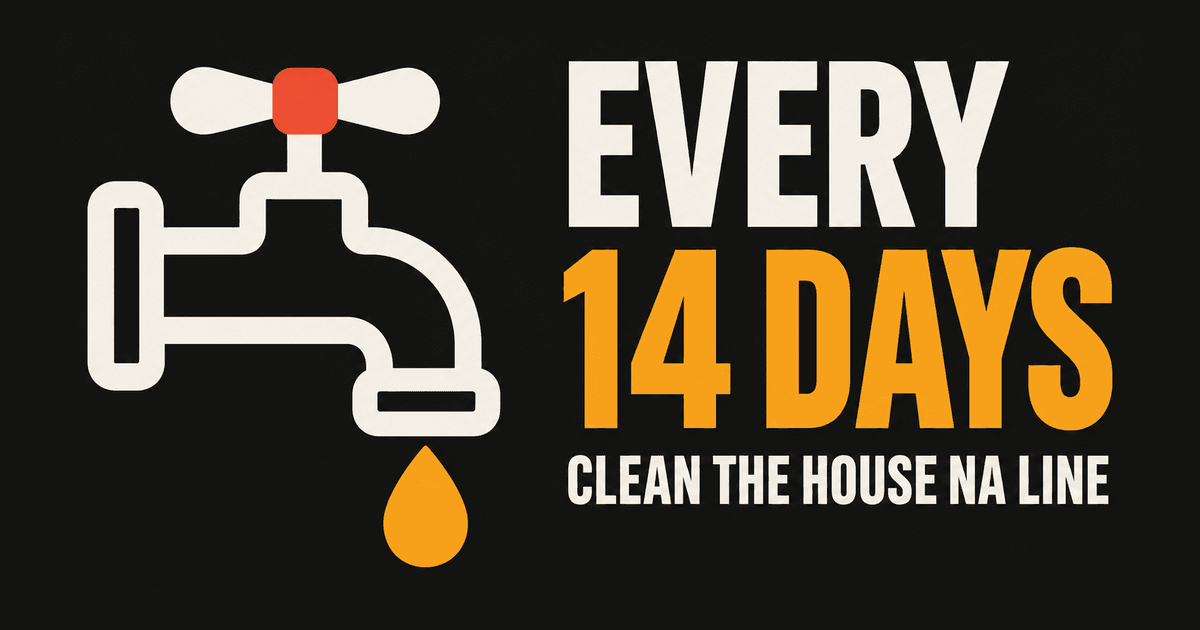
Pour a house NA from its own tap, line and coupler, clean the line every 14 days, and list it with a real name, its style spelled out and the batch's lab ABV.
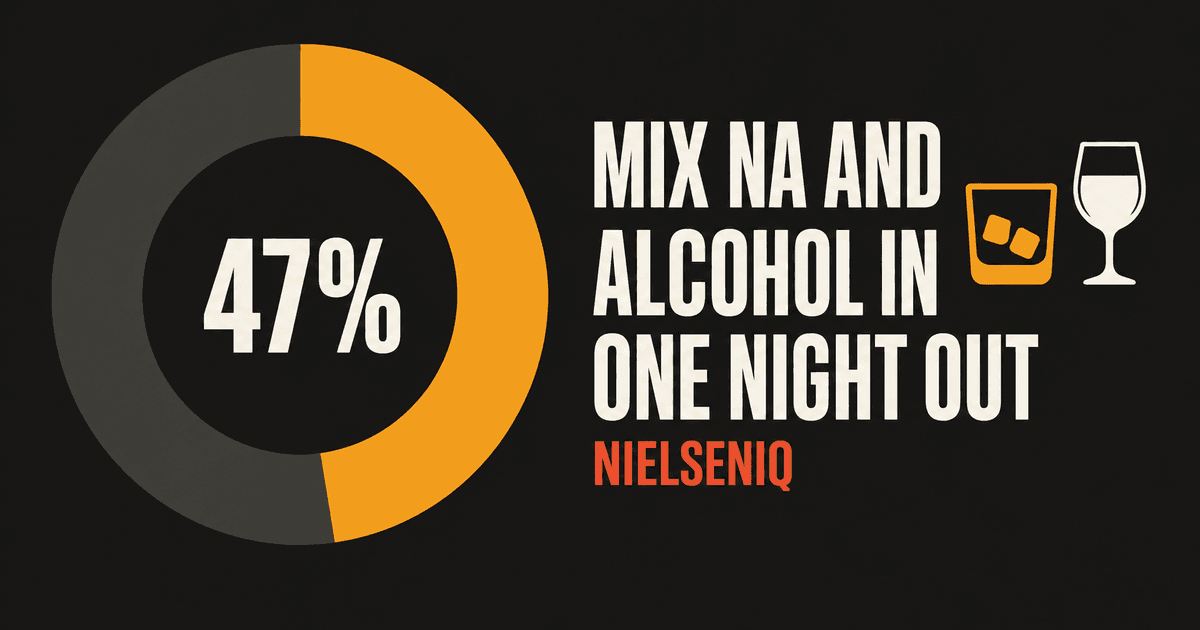
Zebra striping is mixing beer and NA in one night. NielsenIQ says 47% of on-premise visitors do it, so build NA for beer guests: matched styles, small pours.
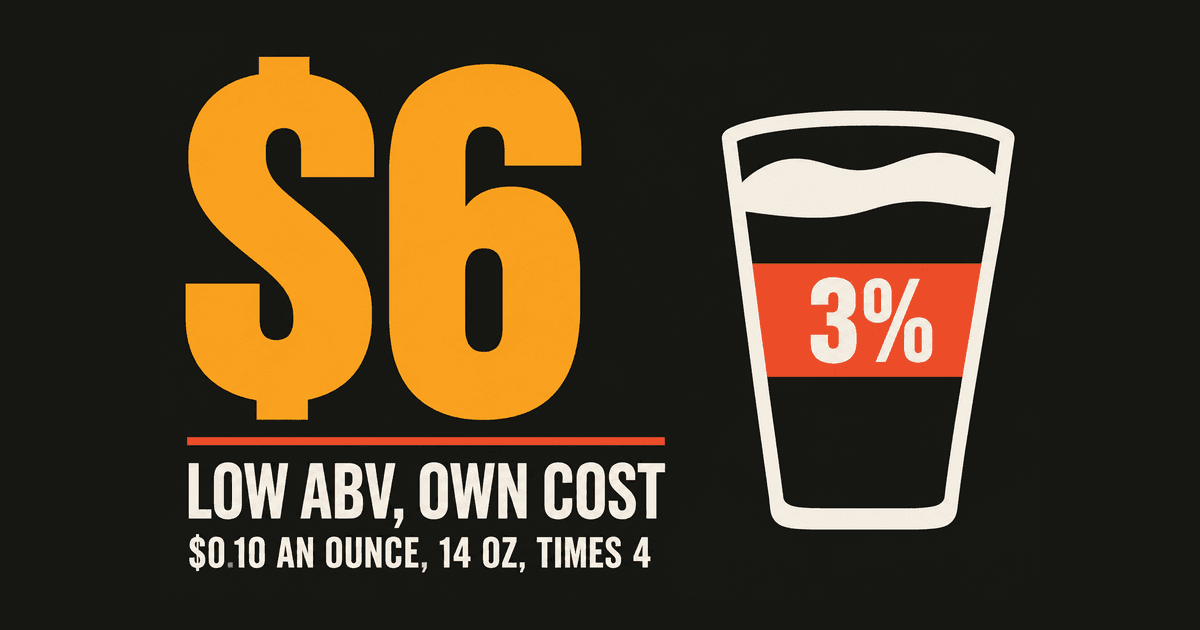
Price a low-ABV beer from its own cost per ounce, list it in its style section with ABV to 1 decimal, and match a stronger beer's price only with a bigger pour.
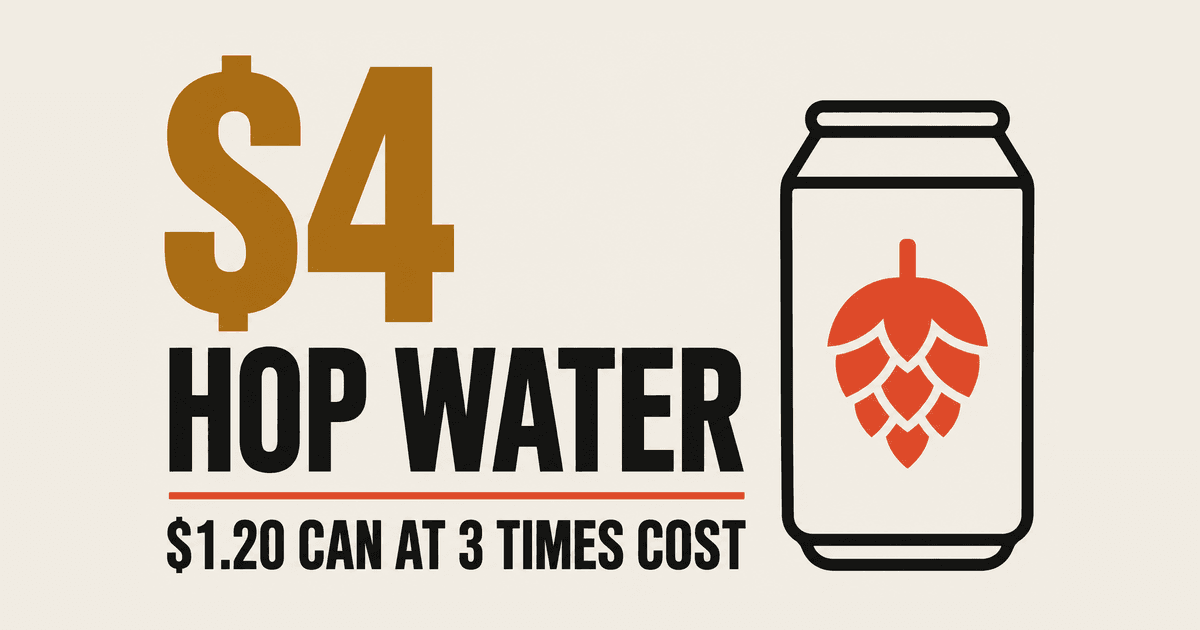
Hop water is sparkling water flavored with hops. List it in the NA section as Hop Water, with the maker's ABV or a blank box, and price cans from landed cost.
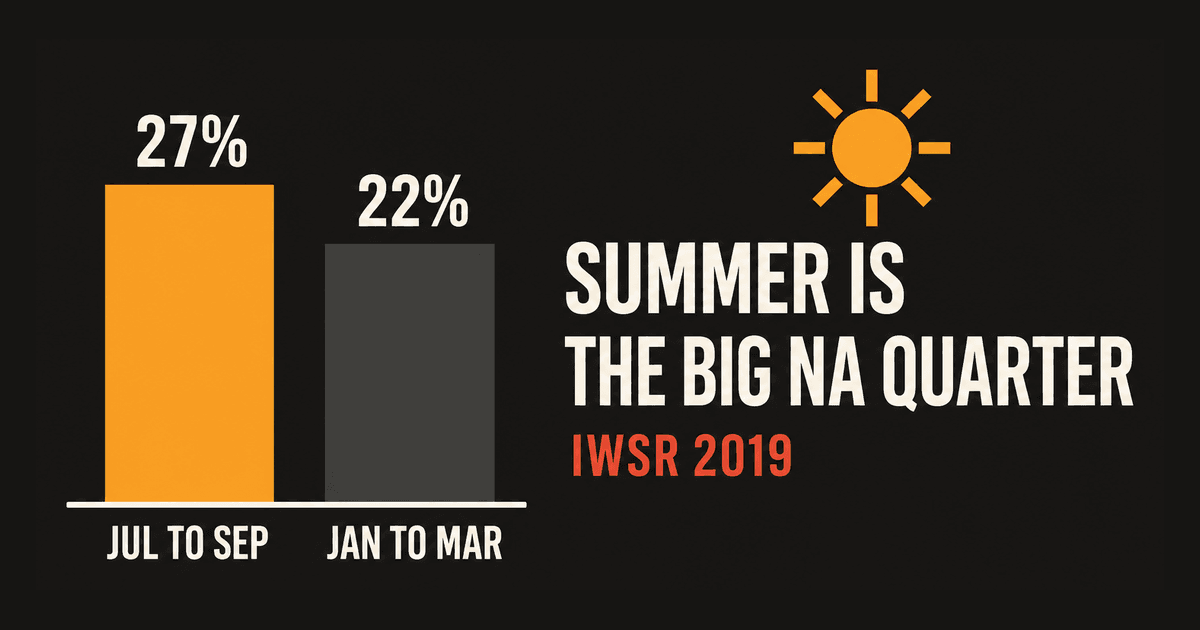
IWSR puts the NA beer peak in August. Plan the summer NA list in April, land cold stock before Memorial Day, raise weekend pars, and keep it through September.
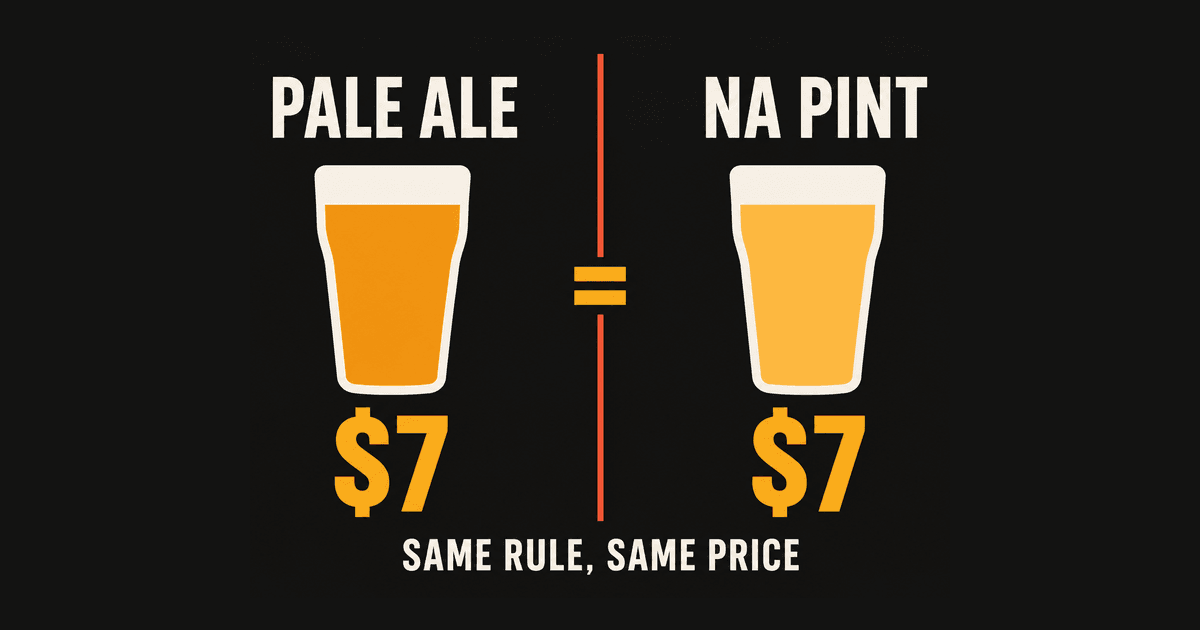
Price NA beer with your usual per-ounce rule, NA cans at landed cost times a multiplier, and zero-proof drinks at cost x 4 plus prep, $3 to $4 under cocktails.
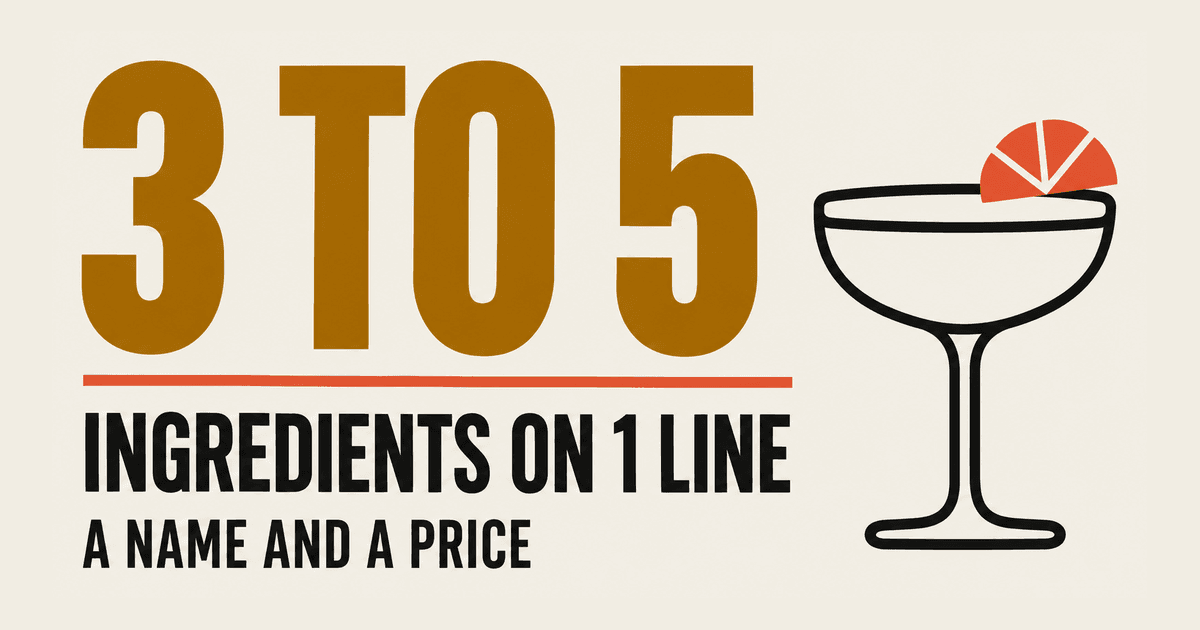
Give each zero-proof drink its own name, a 3 to 5 ingredient build on 1 line and a price, listed with your cocktails or NA drinks at the same type size.
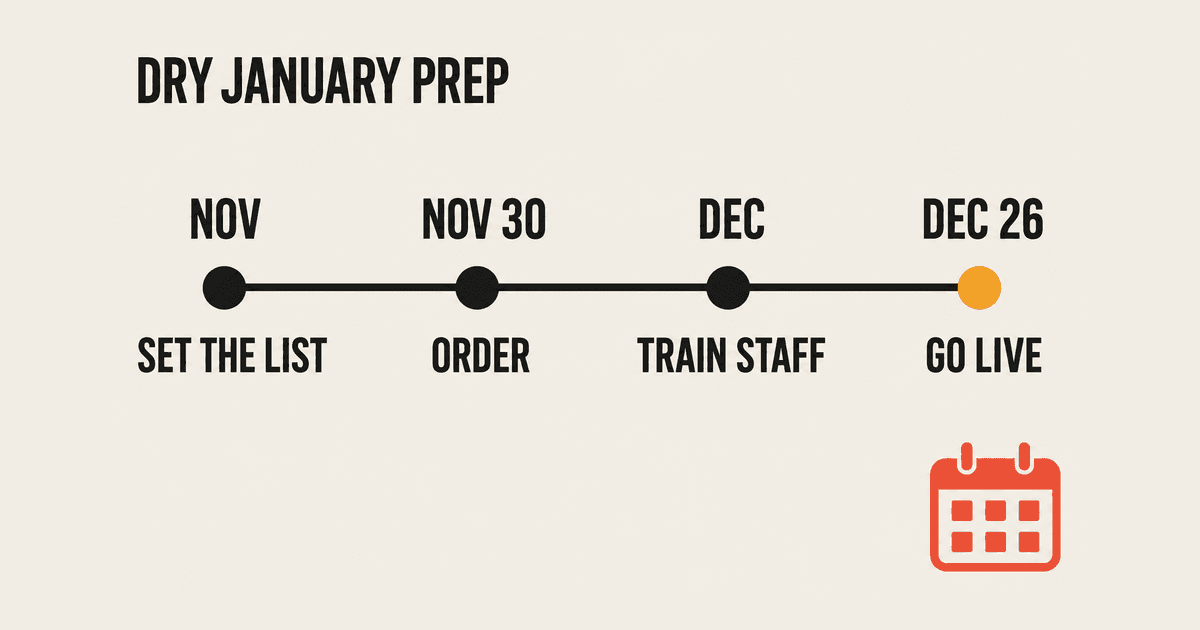
Start Dry January prep the first week of November: set the NA list and prices, order by November 30, train staff in December, and go live December 26.
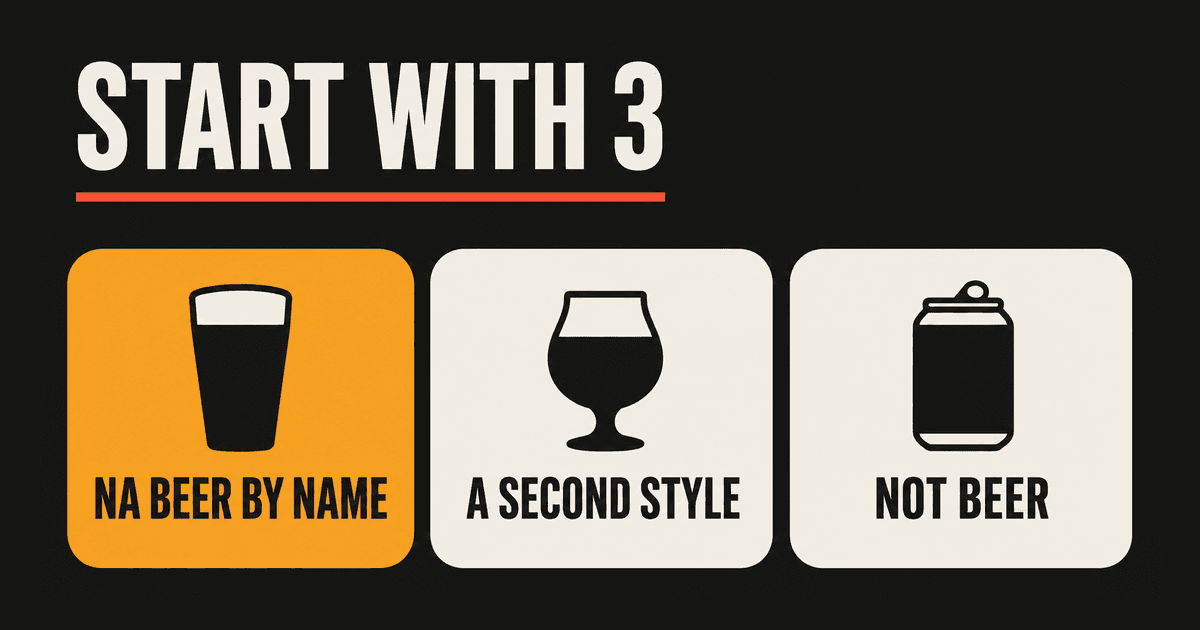
Start with 3 NA options: a beer guests ask for by name, a second style, and a non-beer. Add a zero-proof build or dark beer where you can support it, up to 6.
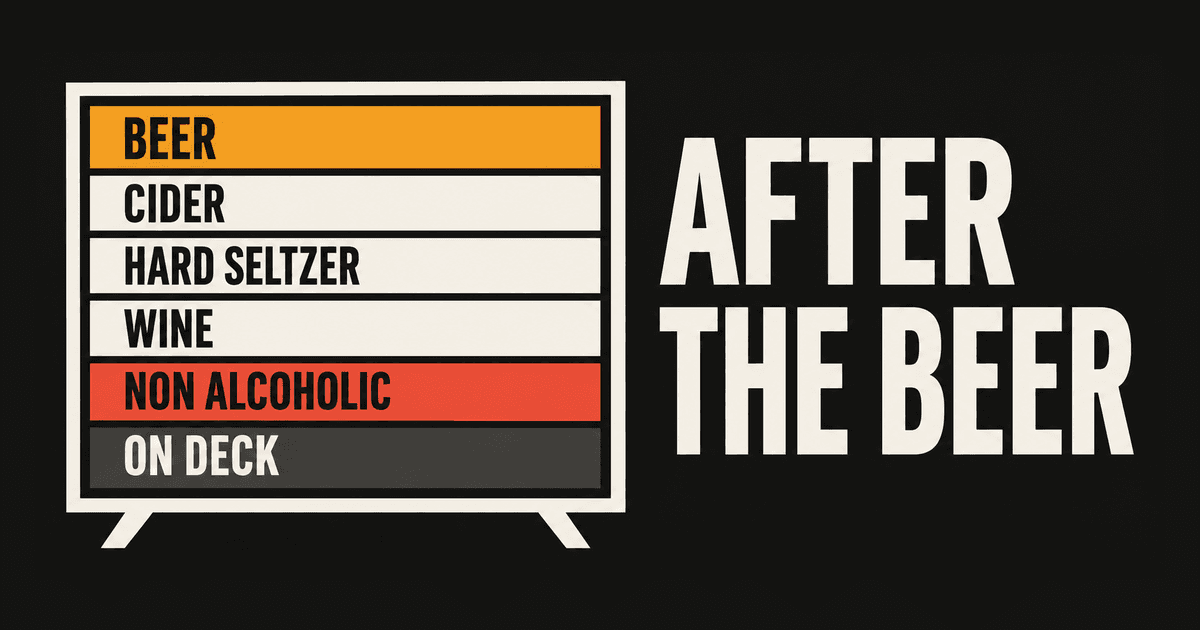
List cider, hard seltzer, wine and NA after the beer, in that order, with NA just above On Deck. Keep the 6 beer columns and change only what goes in them.
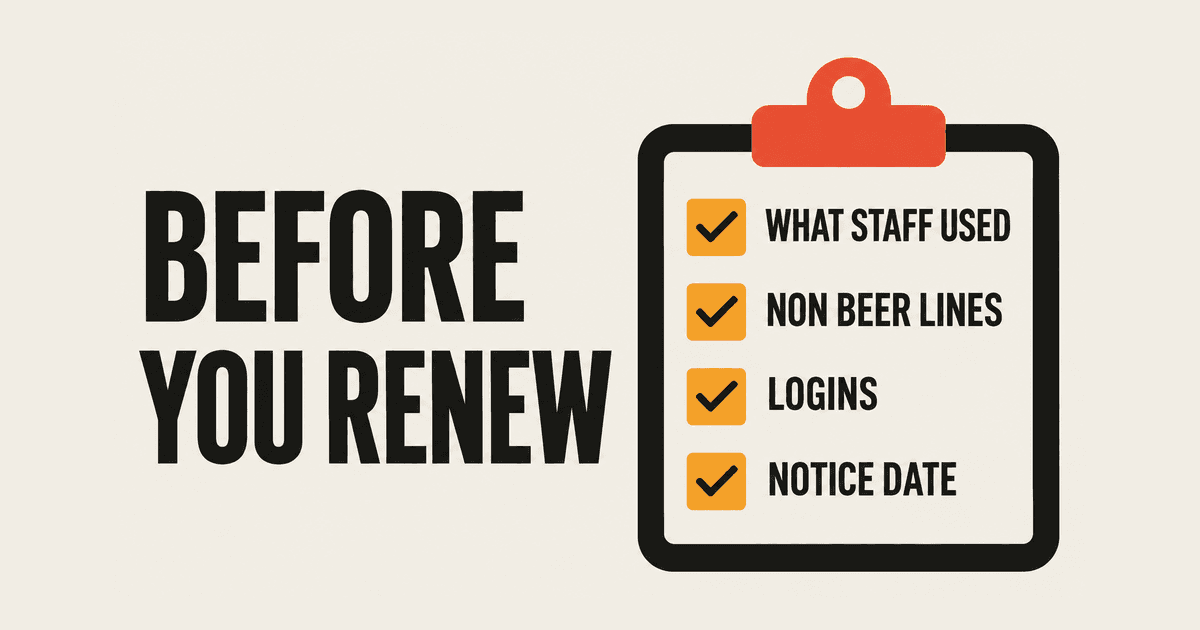
Untappd's pricing page lists no price for Untappd for Business. Before renewing, check what you use, busiest-season non-beer lines, logins and notice dates.
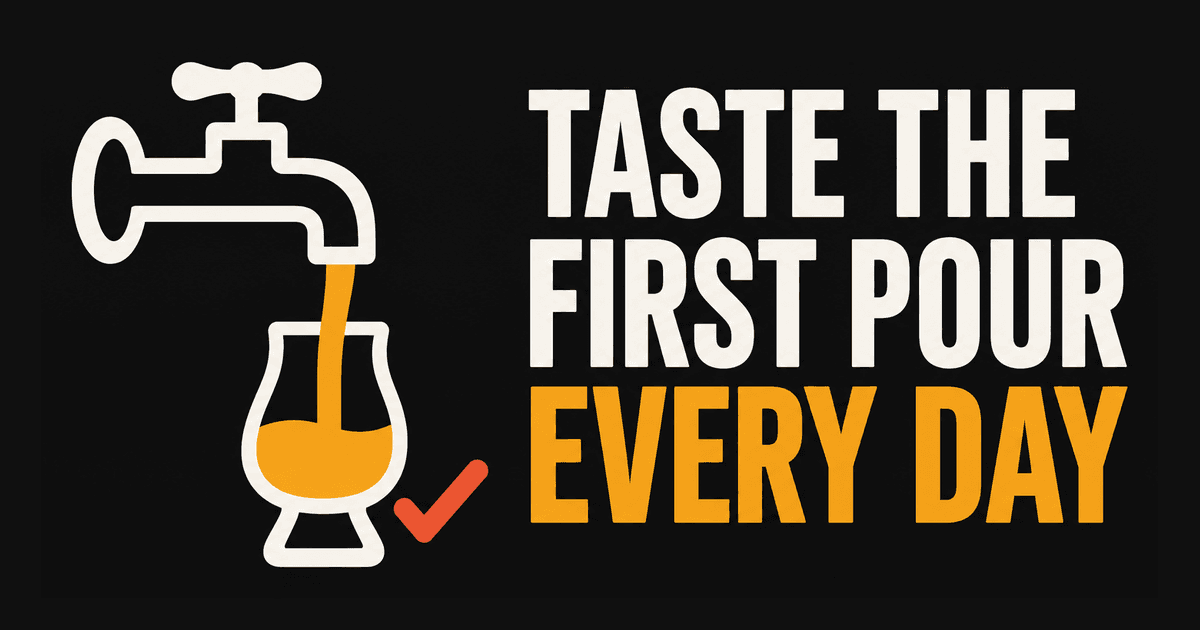
Run NA on its own tap, line and coupler, clean that line at least every 14 days, taste the first pour daily, and pull any sour or buttery pint before serving.
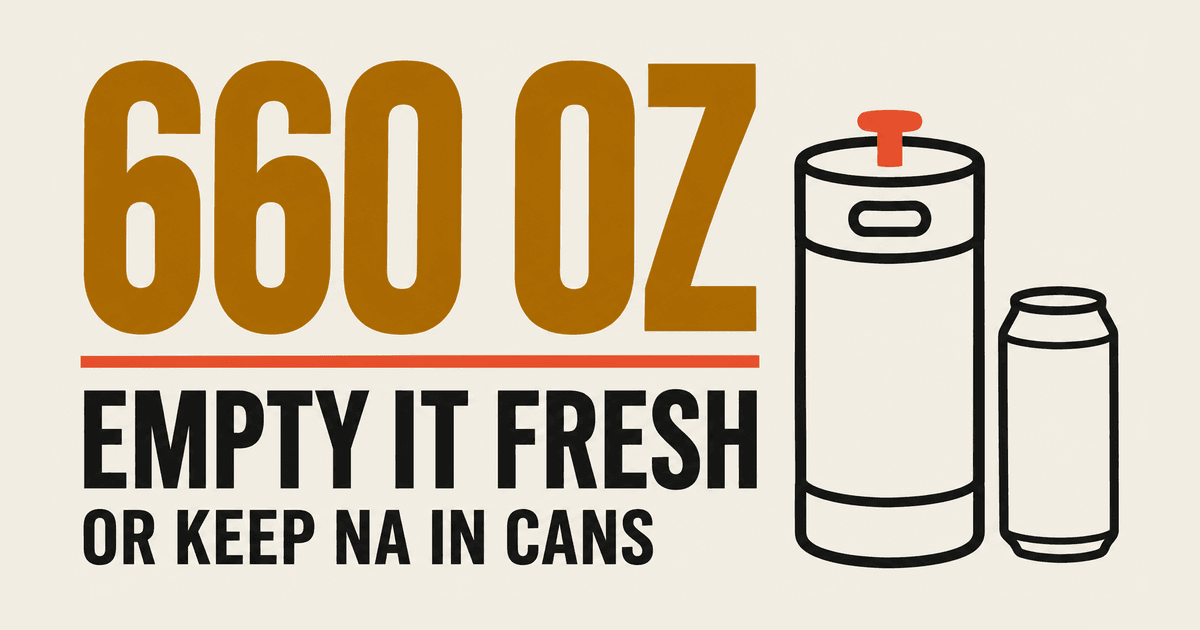
Put NA beer on draft only if your sales empty the smallest keg inside the brewery's freshness window and a line, a cleaner and a clear handle are ready.
Stop wrong NA pours where they start: confirm the order, write NA first on tickets, mark the NA faucet, give zero-proof its own glass, and pour cans in view.
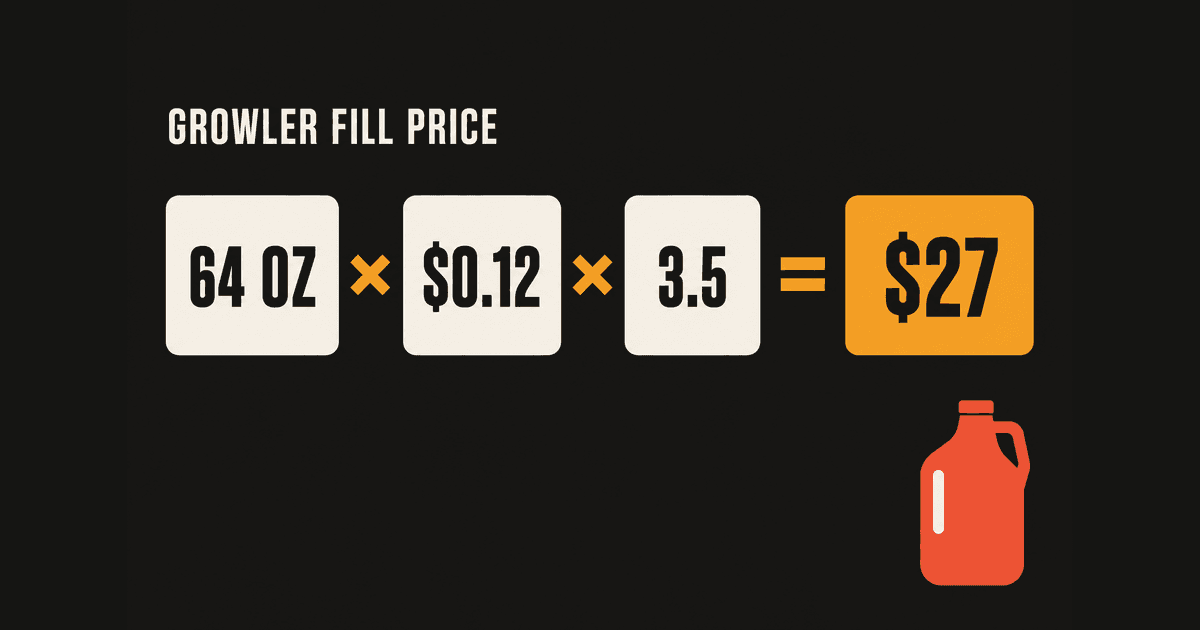
Price a fill at container ounces x cost per ounce x a fill multiplier, plus the can on a crowler. At $0.12 an ounce and 3.5, a 64 oz growler refill is $27.
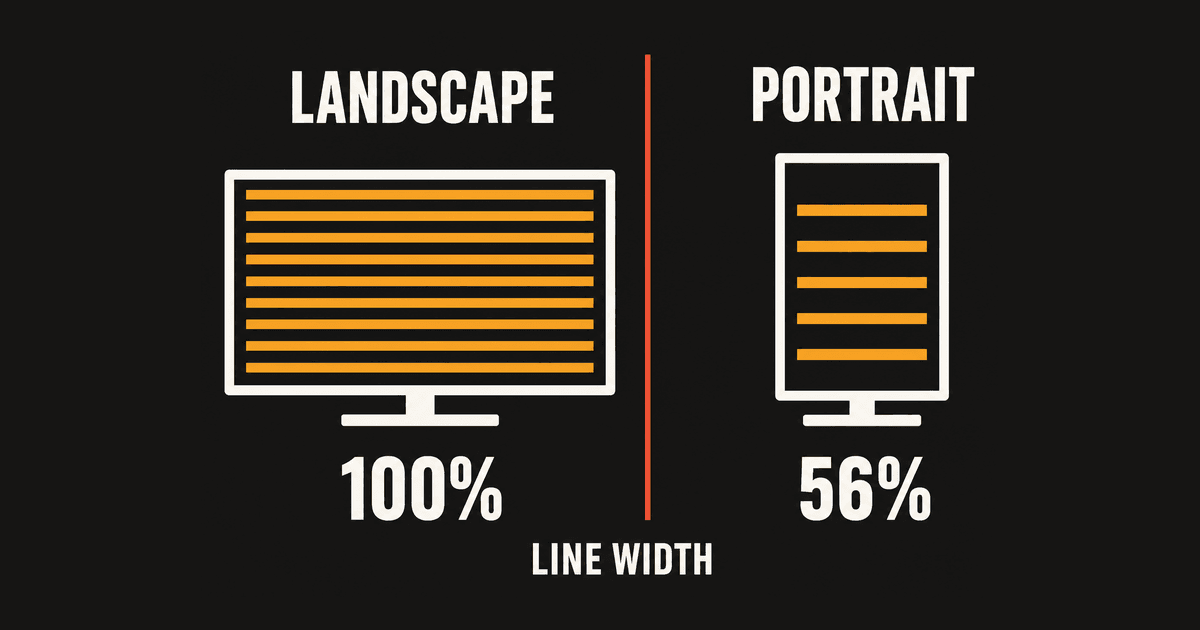
Count menu screens from your line total, hang each where guests ordering see it close to straight on, and go portrait only if your longest line still fits.
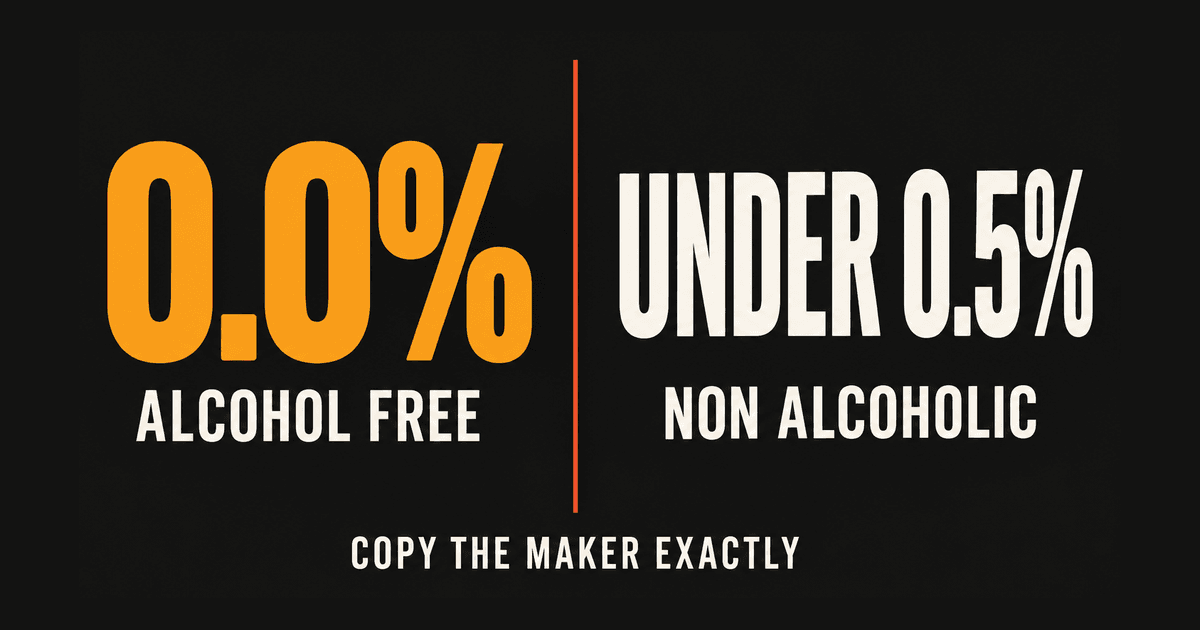
Under 0.5% ABV can be called non-alcoholic; only 0.0% is alcohol free. Copy each maker's figure exactly, check bitters, and write the rule down.
Set up a non-alcoholic section in 7 steps: what qualifies, a plain name, beer line fields, the maker's exact ABV, NA on every line, placement and a guest check.
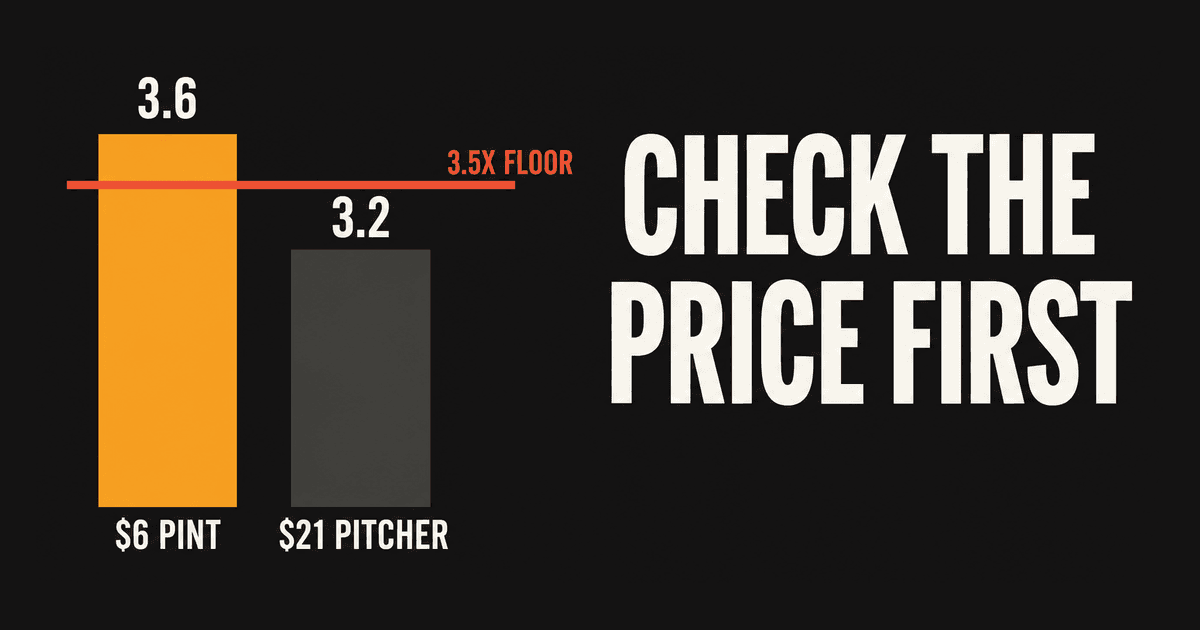
Put each happy hour beer special on 1 card with final prices, covered pours, an end minute and a cutoff rule, and check every price against beer cost first.
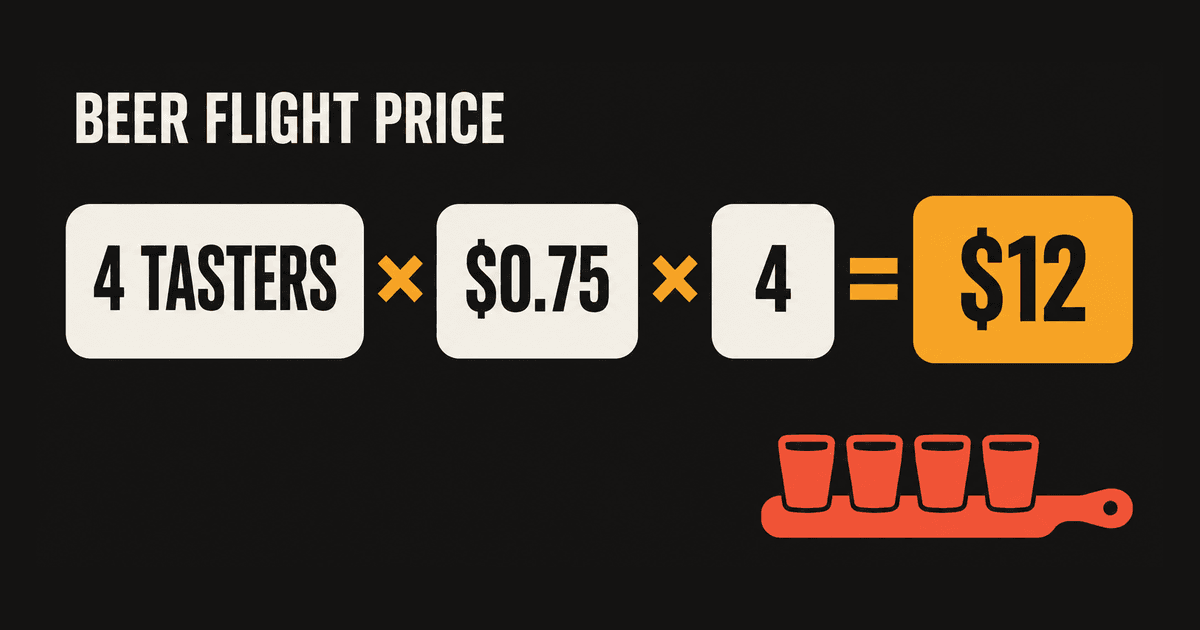
Price a beer flight as if every pour were your costliest standard beer, then add a surcharge per premium beer. 4 tasters at $0.75 and a 4x rule make $12.
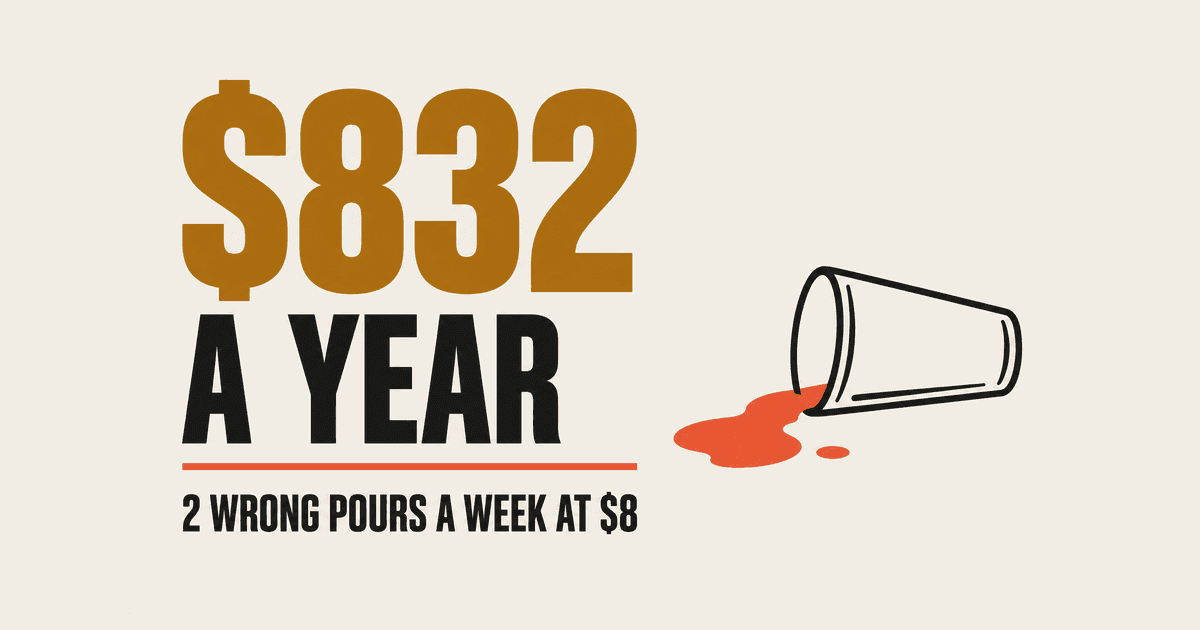
An outdated beer menu costs the pours you comp or dump and the prices you honor: 2 pours of $8 a week is $832 a year. Log each incident with a cause and a fix.
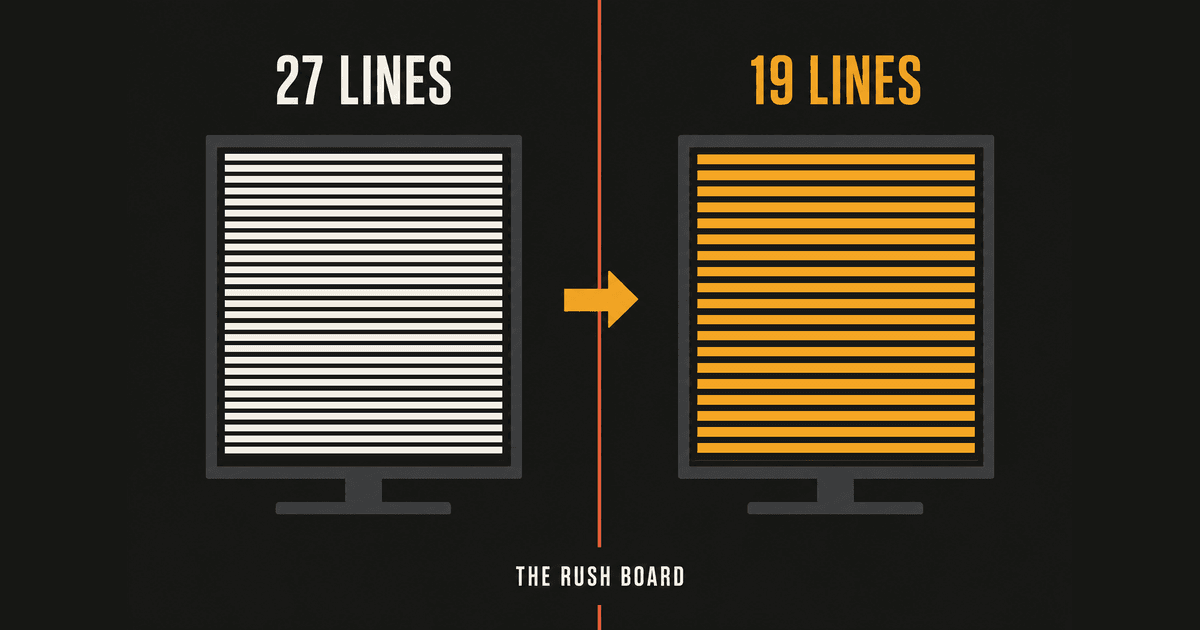
A busy bar menu layout keeps every pouring tap with its number and price, collapses slow sections and drops on deck: 27 lines to 19 on a 16 tap list.
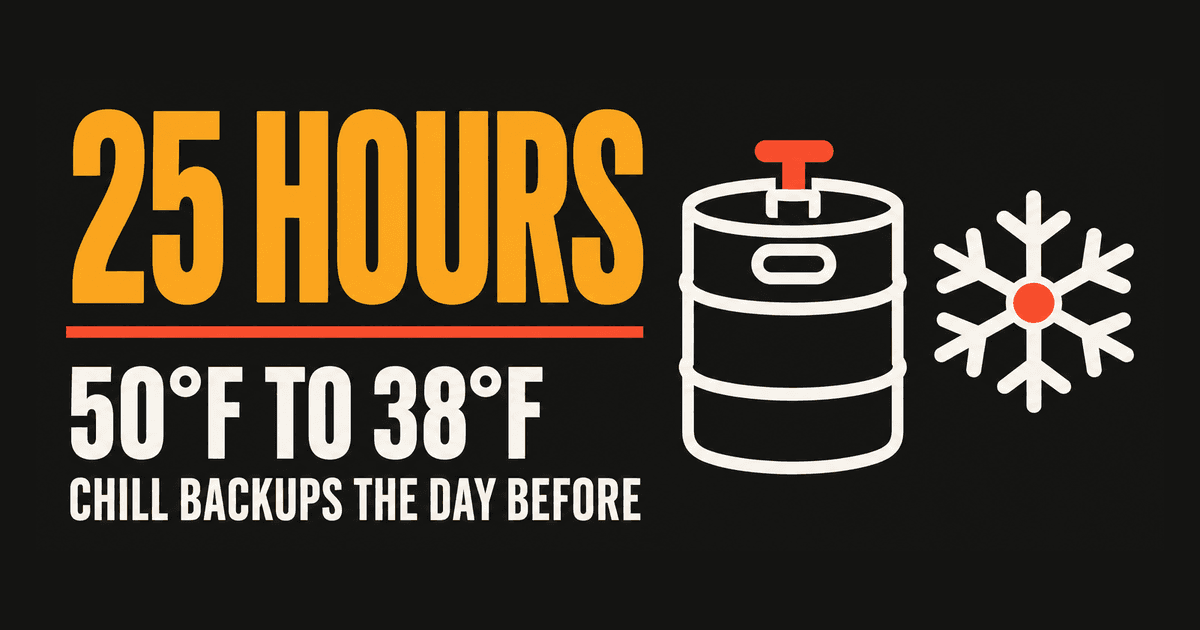
Game night keg prep: weigh each fast mover 2 days out, order backups for the pints short, chill them up to 25 hours, and write replacement lines before doors.
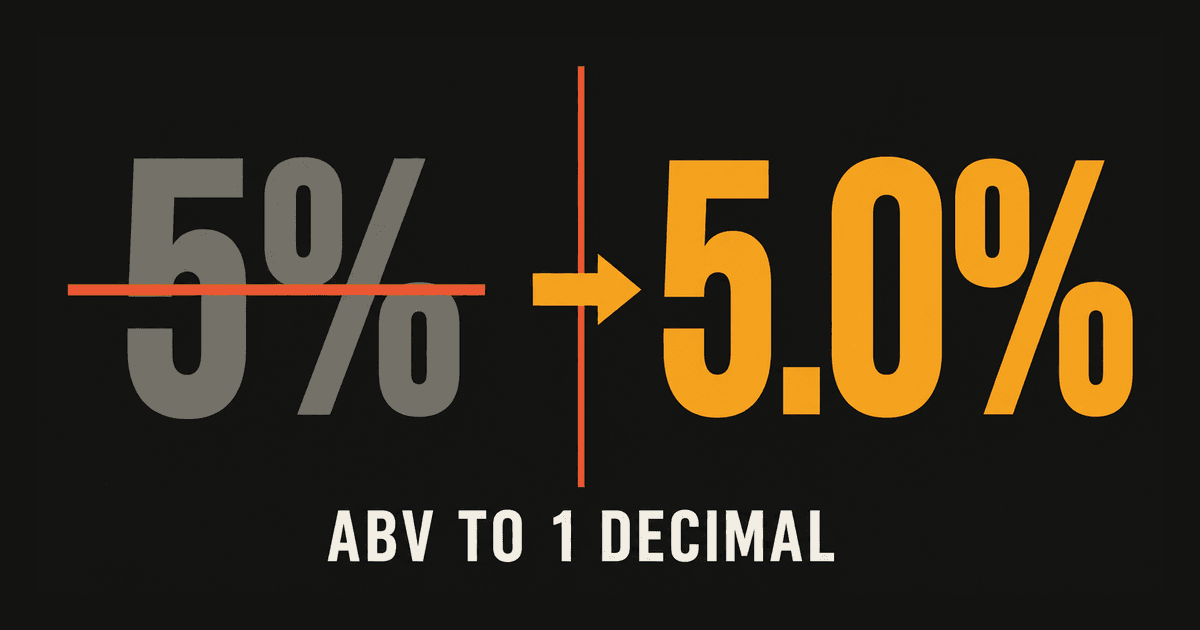
Spell styles from a house glossary, write ABV to 1 decimal, show IBU on every line or none, put ounces beside each price, and pour strong beers small.
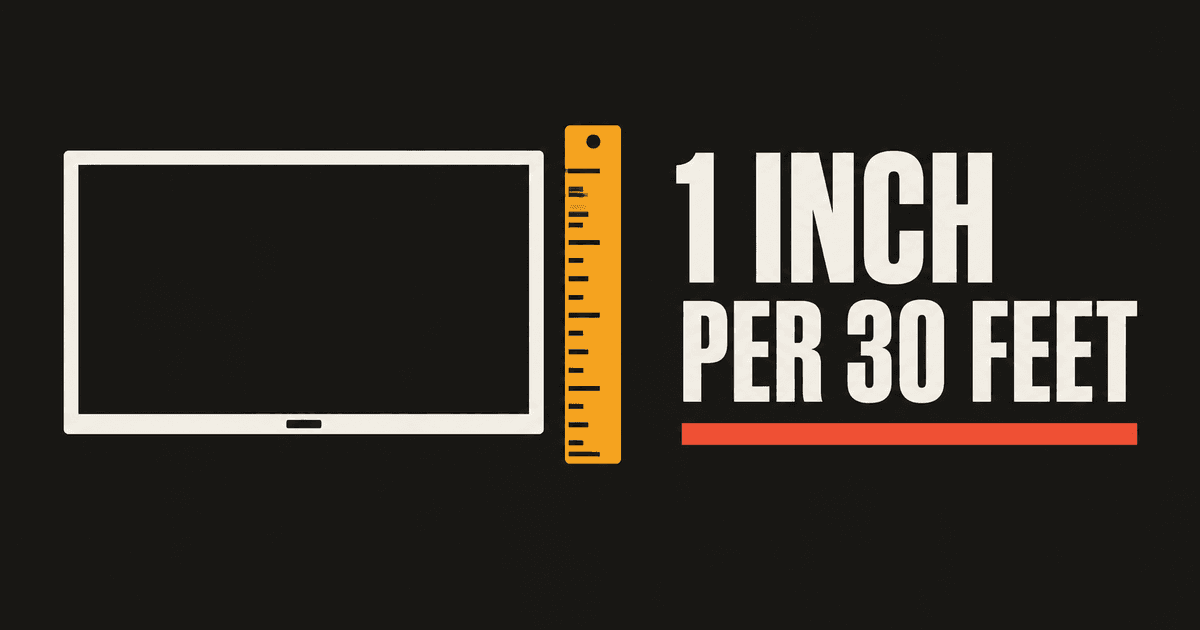
Menu TV font size: start near 1 inch of letter height per 30 feet to the far ordering spot, then run the across-the-room test with the full tap list up.
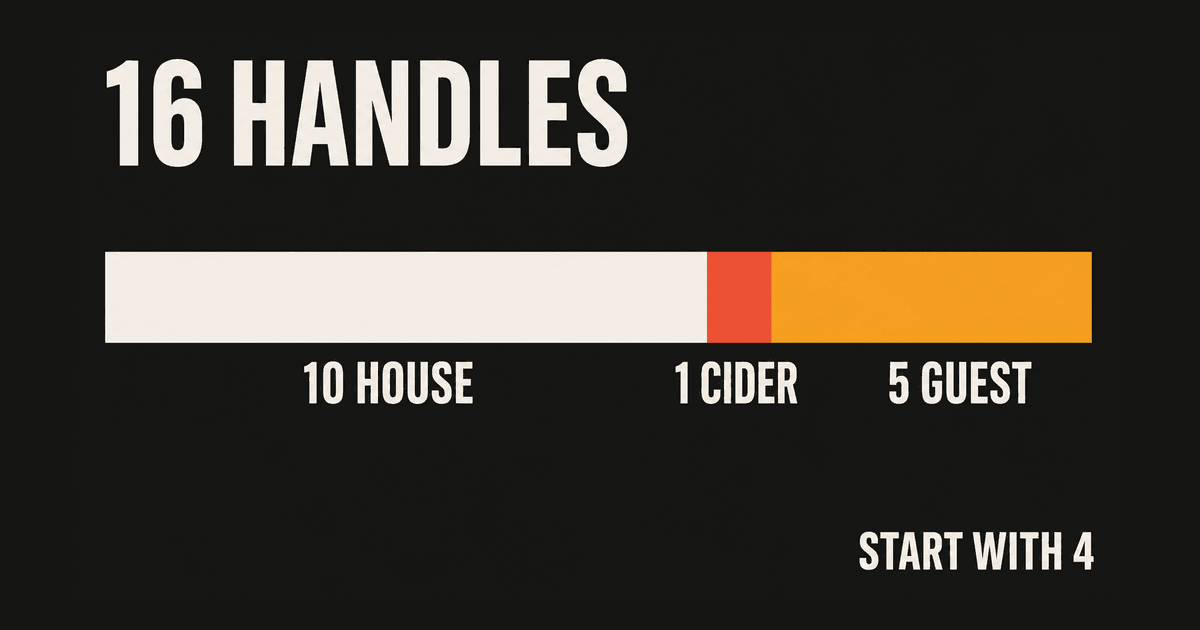
Count guest taps by subtraction: total handles minus house and fixed lines, then trim until each guest keg sells through, has a cold spot and has a pitch.
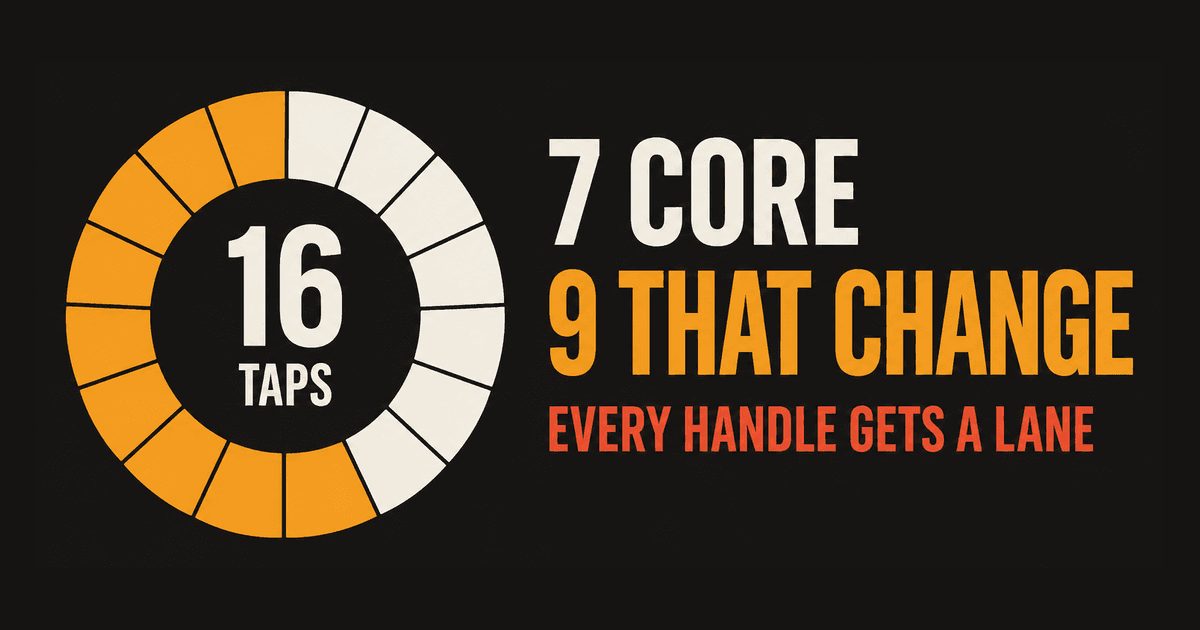
Give every handle a row type and a lane, a style family plus 1 limit, then check each new keg against its lane and the board's balance before it goes on deck.
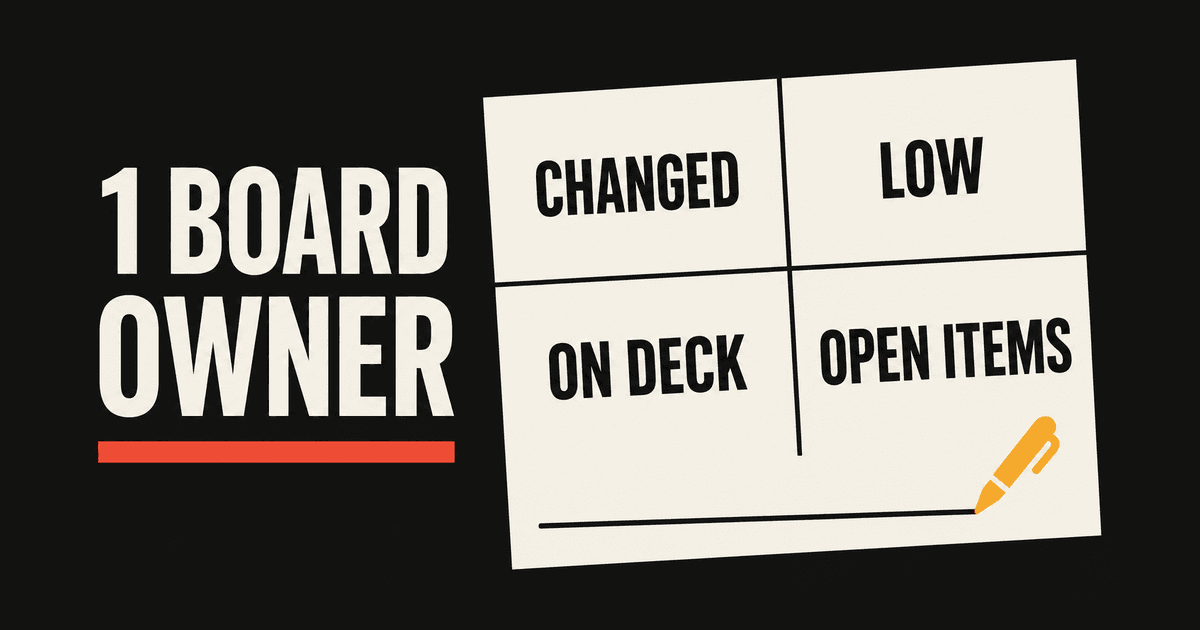
Name 1 board owner per shift to update the tap list. At shift change, that owner fills a 4-block handoff card and the next owner signs to take the board.
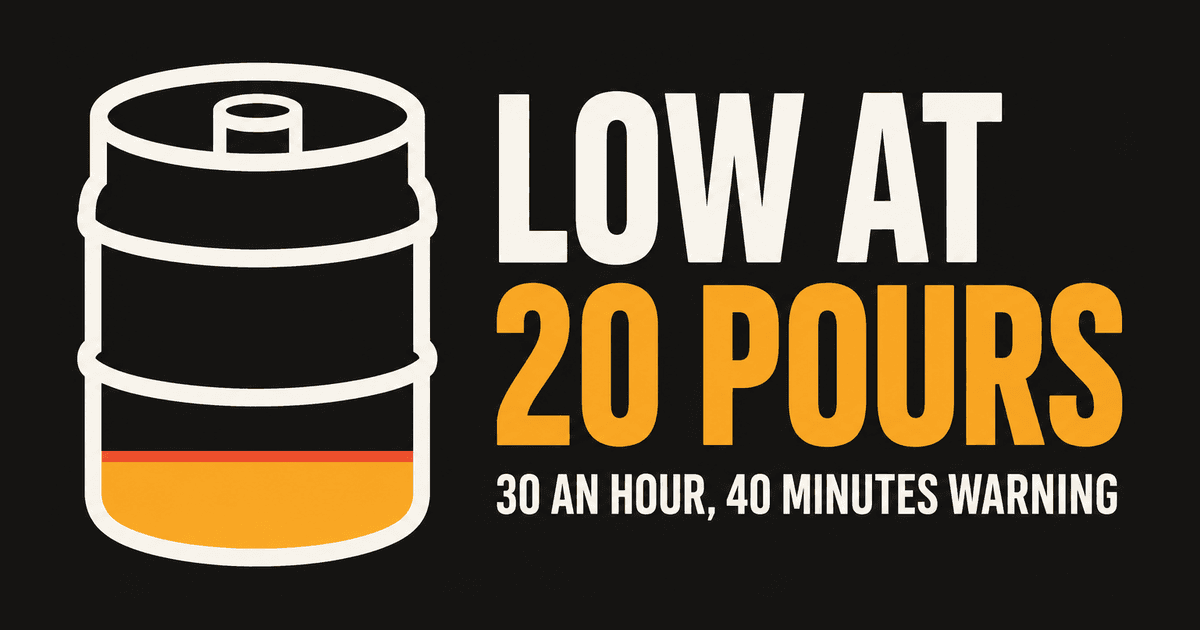
Set each tap's low keg mark in pours left: busiest-hour pours times warning minutes over 60. Show guests a low note only when nothing sits behind the line.
List a beer on deck only when you can name its tap and the keg is in hand or on a confirmed truck: 1 per tap, worded like a tap line, limits on the line.
Fourteen days free, on your own menu and your own screens. Checkout takes a card, and billing starts when the 14 days end.
Start free trial